
100% Reliable File Replication
Rock-solid file replication software.
Replicate files across computers, servers and more.
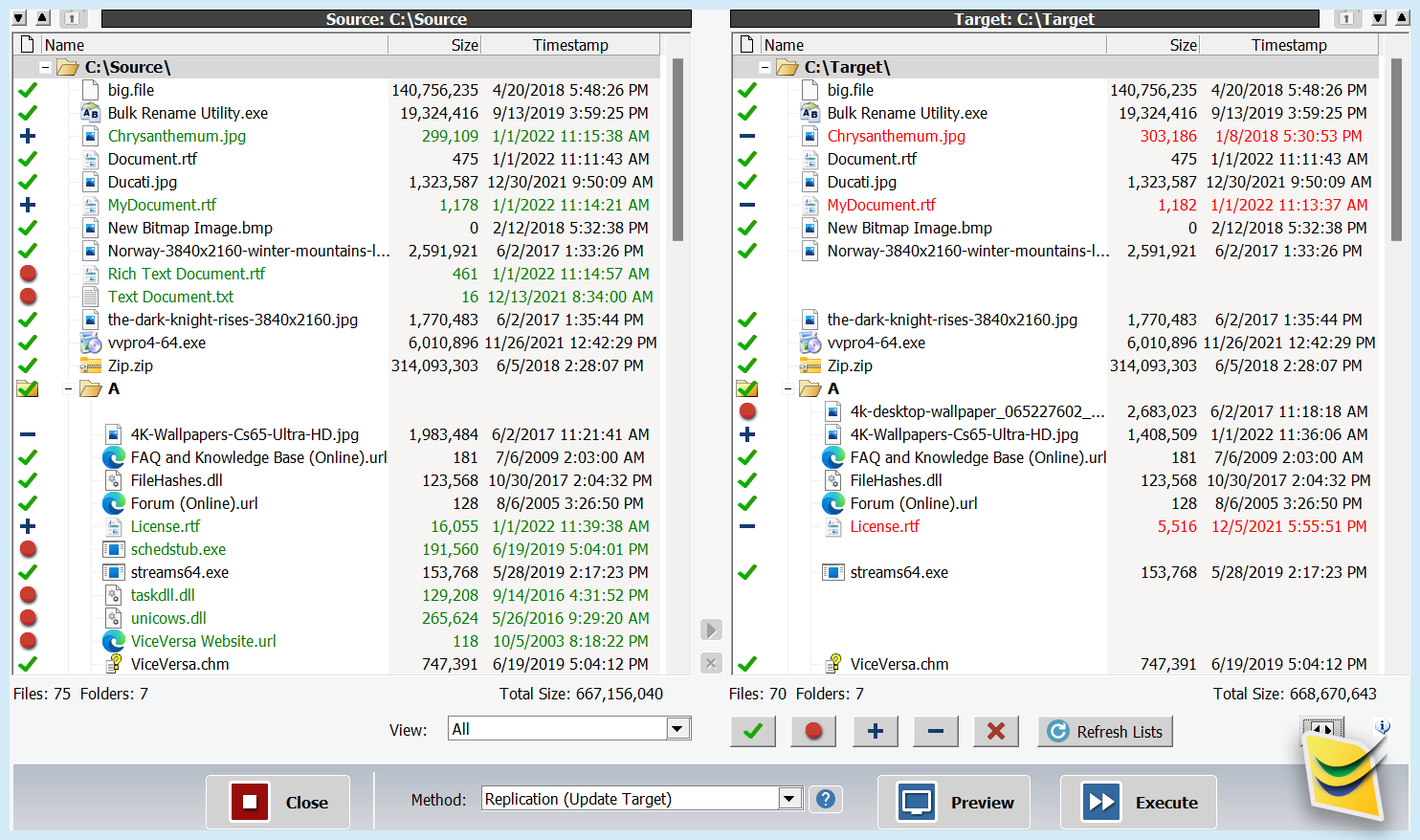
Fast, Secure, Fully-Customizable
• Between computers
• To/from external storage
• To/from network disks
You can configure ViceVersa to run real-time, scheduled or on-demand. Learn more about File Replication and File Mirroring
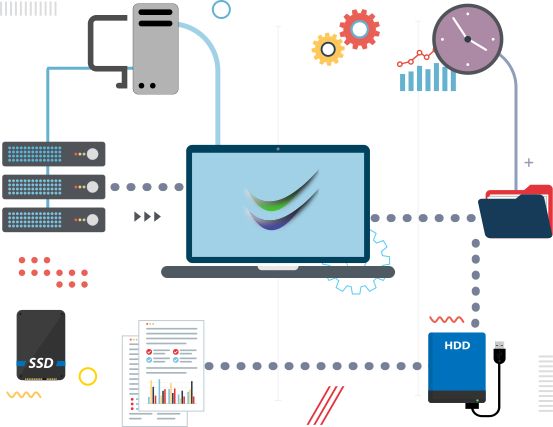
File Replication Modes
- On demand, with side-by-side visual comparison
- Interval, i.e. every 10 mins, every 2 hours, etc.
- Scheduled, i.e. Monday and Friday at 7:00
- Event driven Real-Time File Replication
- From a Shortcut
- From Command Line
- At Startup or Shut-Down
- As a Replication Service
File Replication Scenarios
- Desktops / Laptops / Workstations to File Server
- File Server to Desktops / Laptops / Workstations
- File Server Replication to NAS or Disk to Disk
- Desktops / Laptops / Workstations to external HD, cloud service, etc.
- Between Servers, Server to Server Replication
- One-to-One
- One-to-Many
- Many-to-One
- Many-to-Many
Discover More
Best file copy software since 2001
ViceVersa is a unique file copy utility used by IT professionals all over the world: Learn More
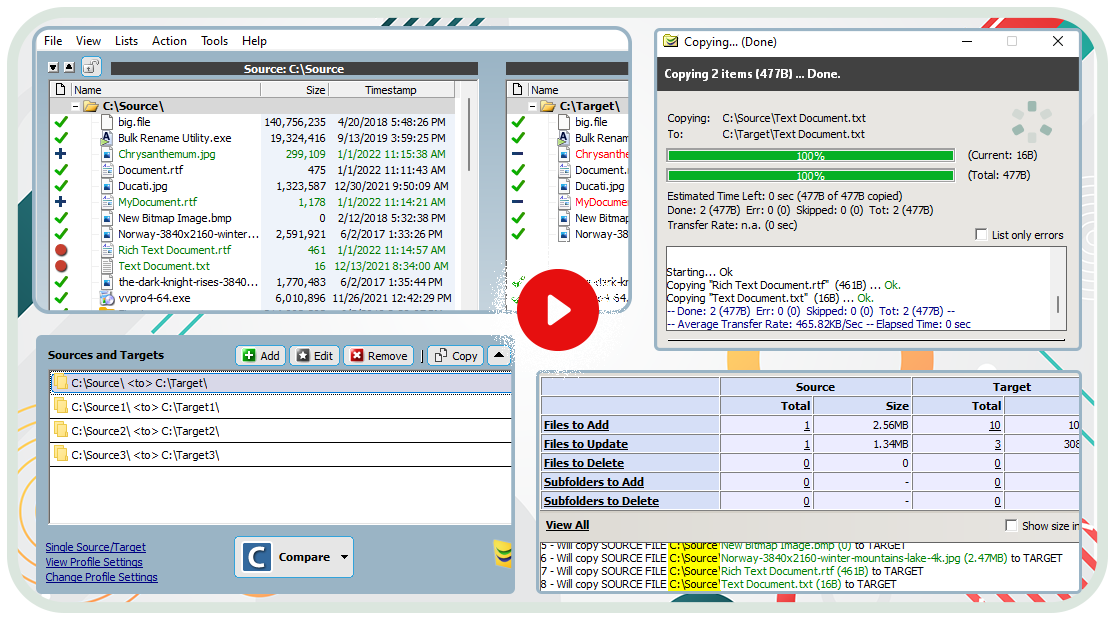
I just downloaded and installed ViceVersa on my pc to replicate folders through the network. There's no learning curve to it . Got it working form the start. Very easy to use interface, nicely laid out.
Great file replication software with excellent support. I have had much success with your program.
Is ViceVersa the right software for me?
'Try-before-buy' software allows you to evaluate applications such as ViceVersa to see if they suit your needs. After the trial you can purchase a license code online with immediate delivery via E-Mail or just uninstall. Download
You will be able to sync, backup, replicate millions of files in interactive or in automated mode on PCs, laptops, desktops, but also on large Windows Servers.
You will be able to show the full file comparison side-by-side without delays, even with millions of files to process. This is just one of the key differences between ViceVersa and other similar software.
- Virus-free.
- Spam-free.
- Ad-free.
- Lightweight and not bloatware. Our downloads are only a few megabytes.
- Digitally signed by TGRMN Software for extra security and guarantee.
- Only install the software that is actually downloaded, ViceVersa PRO or VVEngine, no additional/other unwanted software. No other software is bundled with our products.
- Do not change or alter system-wide settings, including registry, system files or other operative system settings.
- Do not affect the functioning of the operative system, hardware or other running programs.
- Do not install any Windows Services, unless explicitly requested when setting up the VVEngine scheduler to run as a service (optional).
- Do not install/replace any Windows Drivers or Kernel software.
- Only install and copy files to the designated installation folder.
- Do not require a system reboot after installation.
- Run without admin rights by default (the optional VVEngine add-on does require admin rights).
- Self-contained and do not require any third-party components or libraries to run.
- Can be uninstalled easily, cleanly and quickly, without leaving any traces or system changes behind, via the standard Windows Control Panel.
- Do not communicate back any information to us at all, nor collect or transmit any information to third-party. Zero. Nothing.
TGRMN Software has been selling ViceVersa PRO and VVEngine since 2001, our users trust us and you too can trust all our products. You can download, install and use ViceVersa PRO and VVEngine with confidence.
Please visit our User's Forum where you will find user comments/discussions.
Please contact sales@tgrmn.com for any questions or clarifications.