
Over 20 Years of Experience: Fast, Secure, Simple
High-Performance NAS Backup Software Utility
Backup / Copy / Replicate Files to NAS with ViceVersa PROViceVersa PRO is a high-performance backup software utility for NAS devices. It will automatically copy, replicate, sync, backup files from one or more computers (PC, Laptop, Workstations, Server), to one or more NAS. Server to NAS backup and also NAS to NAS backup are supported in Real-time, Scheduled or On-Demand mode.
Using ViceVersa PRO you can easily make a straight copy of a set of files for backup purposes. After the initial copy, ViceVersa PRO will automatically copy only files that are new or files that have changed since the last copy, so you can have an up-to-date and exact replica of all your files on the NAS, file by file and folder by folder. File and folder names, file content and file time stamps will remain intact. The following are some of the main features and benefits of ViceVersa PRO: Fast. ViceVersa PRO is optimized for speed.
Efficient. Only new or changed files since the last backup are copied each time to the NAS device.
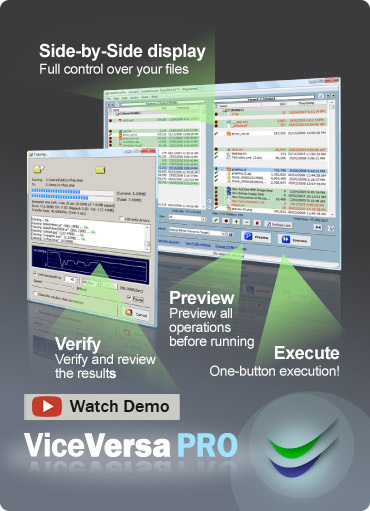
Visual. ViceVersa will compare the files on your computer vs. the files on the NAS, and display them side-by-side. This lets you make sure that you have a current backup of all your files
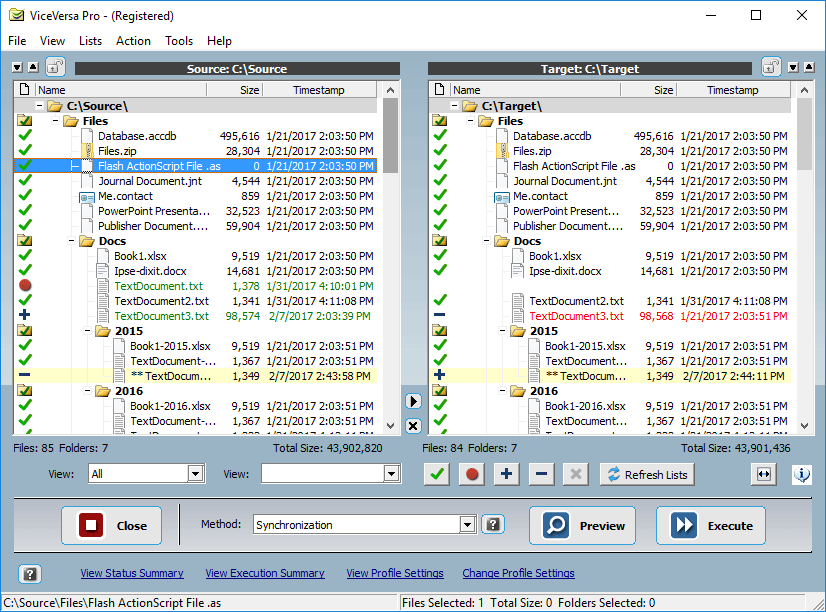 No Proprietary Format. Files are copied to the NAS in their original format. No recovery routine needed: copied files are always there on the NAS as a 1:1 mirror.
Backup Open Files. You can keep working while the backup is running in the background: ViceVersa will backup all files to the NAS even if in-use
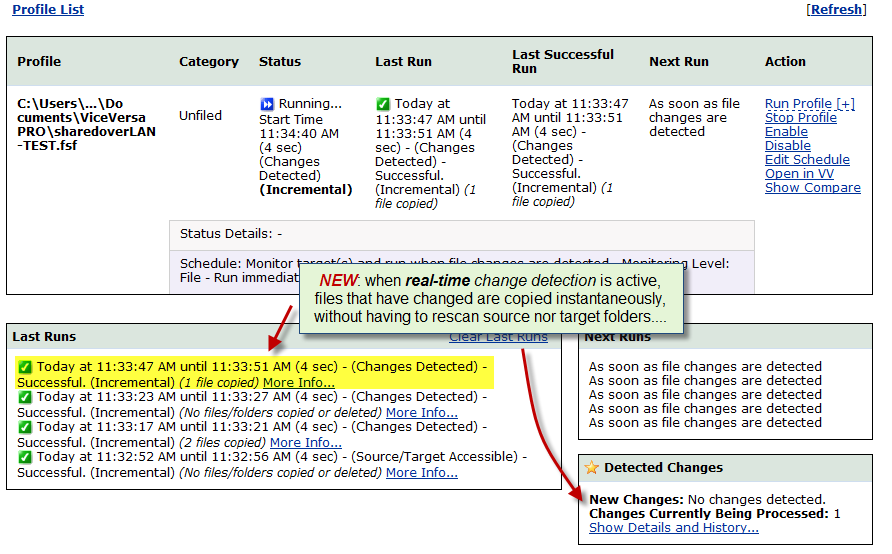
 Automatic. Schedule the backup to run automatically, at intervals or as soon as file changes are detected (real time replication mode)
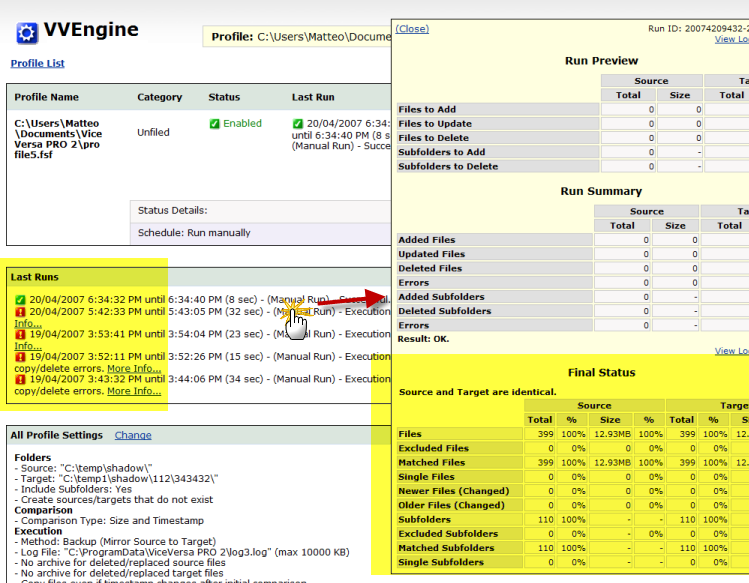 Tera-bytes of Data. No limits on file size or total file amount. ViceVersa can easily manage tera-bytes of data and millions of files.
Value for Money. Try ViceVersa PRO today. It is FREE for 30 days. Then purchase it for only US$ 72.95. Server license just US$ 189.95.
Fully Customizable, High-Performance NAS Backup Software Utility: Encryption, Compression, Bandwidth Control, Processor Load Control, Archiving, Password Protection, File Verification, NTFS File Permissions, Running as Service ... View Complete List of Features
Fully Functional 30-Day Trial    |
Supported NAS devices 
|




Copyright © TGRMN Software